



Thorfortune App
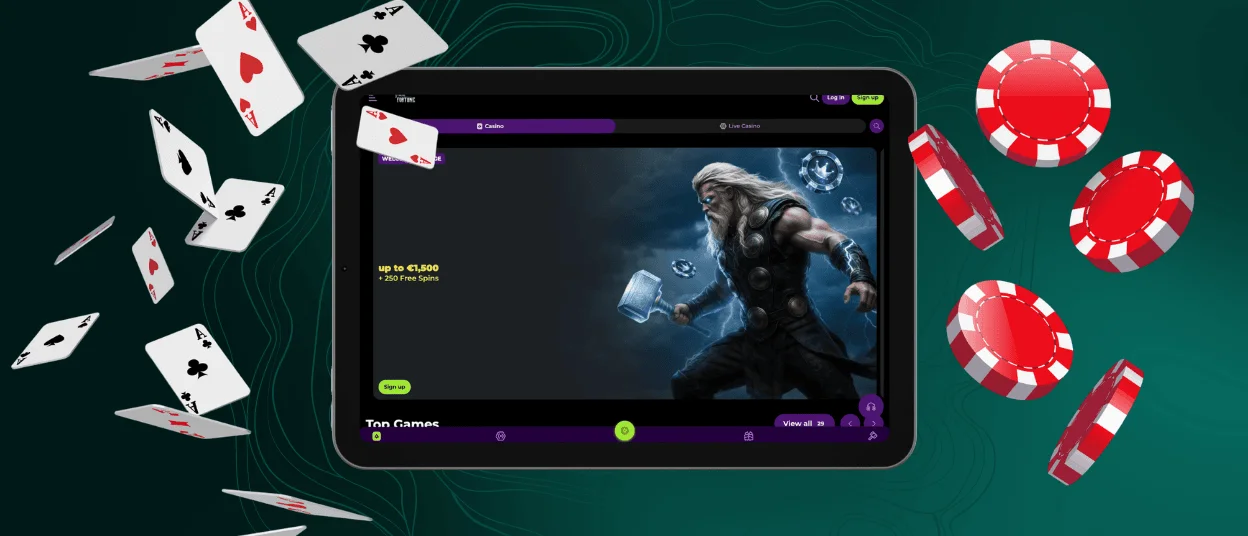
If you prefer to gamble on your smartphone or tablet, the Thorfortune app is the perfect solution for you. Installing it on your device takes merely a couple of seconds, and you don’t have to worry about its compatibility with your operating system – as a progressive web application (PWA), it works well on Android and iOS alike. Moreover, you can set it on your computer desktop to enjoy faster access to your favorite casino games.

Key Features of the Thorfortune App
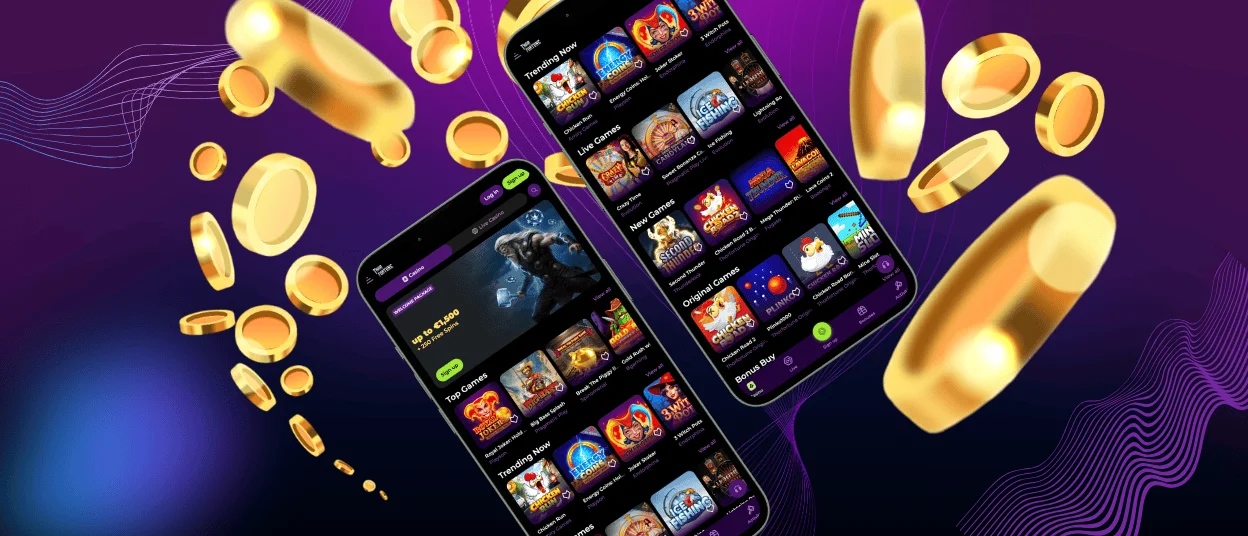
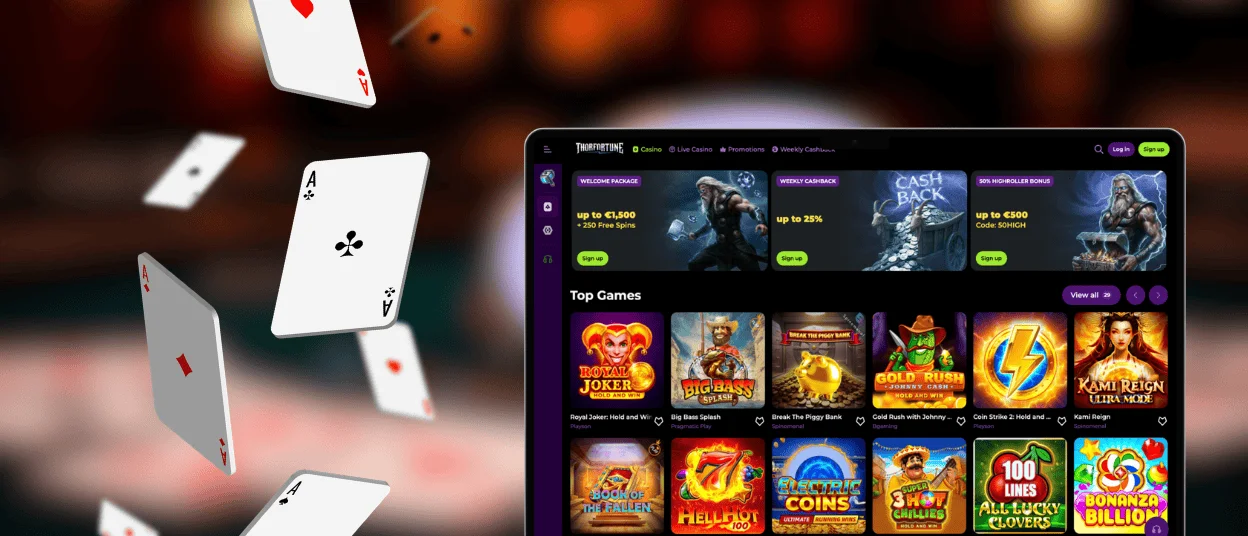
Our mobile casino application has all the same features as the Thor Fortune website. However, the interfaces look even sleeker in the PWA since the address bar isn’t visible there, and the functionality is perfectly adapted to your screen’s dimensions, regardless of how small it may be.
On top of that, the Thorfortune app partially works in offline mode. You cannot play online slots without a high-quality internet connection, yet you can view previously loaded data in your personal account because the PWA uses caching to store web content locally for faster loading (even when off the grid).
| App Feature | Description | How to Access? |
| Profile | The centralized hub for editing your personal data and gaming experience. | Via the Profile icon in the upper-right corner of the interface. |
| Casino Lobby | The catalog with 6,000+ of the best slots and live games. | Via the side menu. |
| Wallet | The place to manage all your financial transactions. | Via the pop-up menu under the Profile icon. |
| History | The collection of detailed activity reports that cover your bonus usage, past gambling sessions, completed withdrawals, etc. | Via the menu under the Profile icon. |
| Live Chat | The quickest way to contact our support team. | Using the headphones icon in the bottom-right corner of the app’s interface. |
Thorfortune App for Android
With our PWA, you don’t have to download any Android Package Kit (APK) to your mobile device from suspicious internet sources. You simply need to add a URL shortcut to your home screen by following these three easy steps:
- Go to Thor Fortune Casino in any browser you prefer to use.
- Select the “Add to Home Screen” item in the browser’s settings menu.
- Confirm the action and wait a few moments for the casino icon to appear on your screen.
Once done, you can tap the Thorfortune Casino logo to sign in to your account and enjoy a top-notch gambling session, even if on the go.
Thorfortune App for iOS
Setting up our mobile solution on an iPhone or iPad is just as simple. All you need to do is go to our official website in Safari and then add the Thor Fortune Casino shortcut to your home screen via the browser’s settings.
This simple measure allows you to access our game lobby much faster than through the web. And even if you don’t have a casino account yet, you can quickly create it via the Thorfortune app – just click the sign-up button, confirm that you’re over 18 years old, and fill out the registration form with the necessary information. There’s no identity verification process at this stage (we will handle it later, upon your first payout request).
Thorfortune Casino Application for Windows & macOS
If you prefer to play online slots on your laptop, the Thor Fortune app may still come in handy. Installing the PWA on your desktop takes the same three simple steps:
- Open our official website in Chrome, Mozilla Firefox, Brave, or any other browser you use daily.
- Click the installation symbol in the corner of the address bar (i.e., a computer screen with the downward-pointing arrow).
- Confirm the action and wait for a short while.
Besides letting you log in to your personal account more quickly, the Thor Fortune PWA offers an uncluttered, full-screen view of the casino interfaces (without the address bar) on Windows and macOS devices alike.
Safe Mobile Play at Thorfortune Casino
Our PWA is just as secure as our official website. All data protection measures we implement at the primary version of our casino automatically apply to the Thor Fortune app. These measures include TLS 1.3, an AI-powered Intrusion Detection System, safe payment processing gateways, and overall compliance with the General Data Protection Regulation. Moreover, each registered player can enable two-factor authentication in their personal security settings to additionally protect their accounts from unauthorized access.
FAQ
Can I use the same account in the app and on the desktop?
Registering multiple accounts for a single person is against our rules. Hence, you can (and should) use the same account to play online slots via our mobile casino app and on the web. Your gambling session data will be automatically synced across devices.
What should I do if a game does not load on mobile?
Firstly, check the quality of your internet connection and restart your device if necessary. If that doesn’t help, you might need to reinstall Thorfortune Casino. Besides, you can always contact our customer support team – we will work together to find the best solution to your problem.
Can I make a deposit and request withdrawals in the app?
Yes, the PWA offers all the same features as the website, so you can deposit money to your balance and withdraw winnings from our mobile casino safely and easily, even via the app. Just open the Wallet interface and manage your financial transactions there.
Can I play live casino games on the Thorfortune Casino app?
Yes, our app makes the gaming experience more convenient for mobile users, regardless of which type of games they enjoy playing most. The game library is the same on the website and in the PWA, so all your favorite titles are easy to access from any device.


